> For the complete documentation index, see [llms.txt](https://docs.portexai.com/portex-docs/llms.txt). Markdown versions of documentation pages are available by appending `.md` to page URLs; this page is available as [Markdown](https://docs.portexai.com/portex-docs/getting-started/creating-an-account.md).
# Creating an Account
Set up your account on the PortexAI Datalab.
## Register
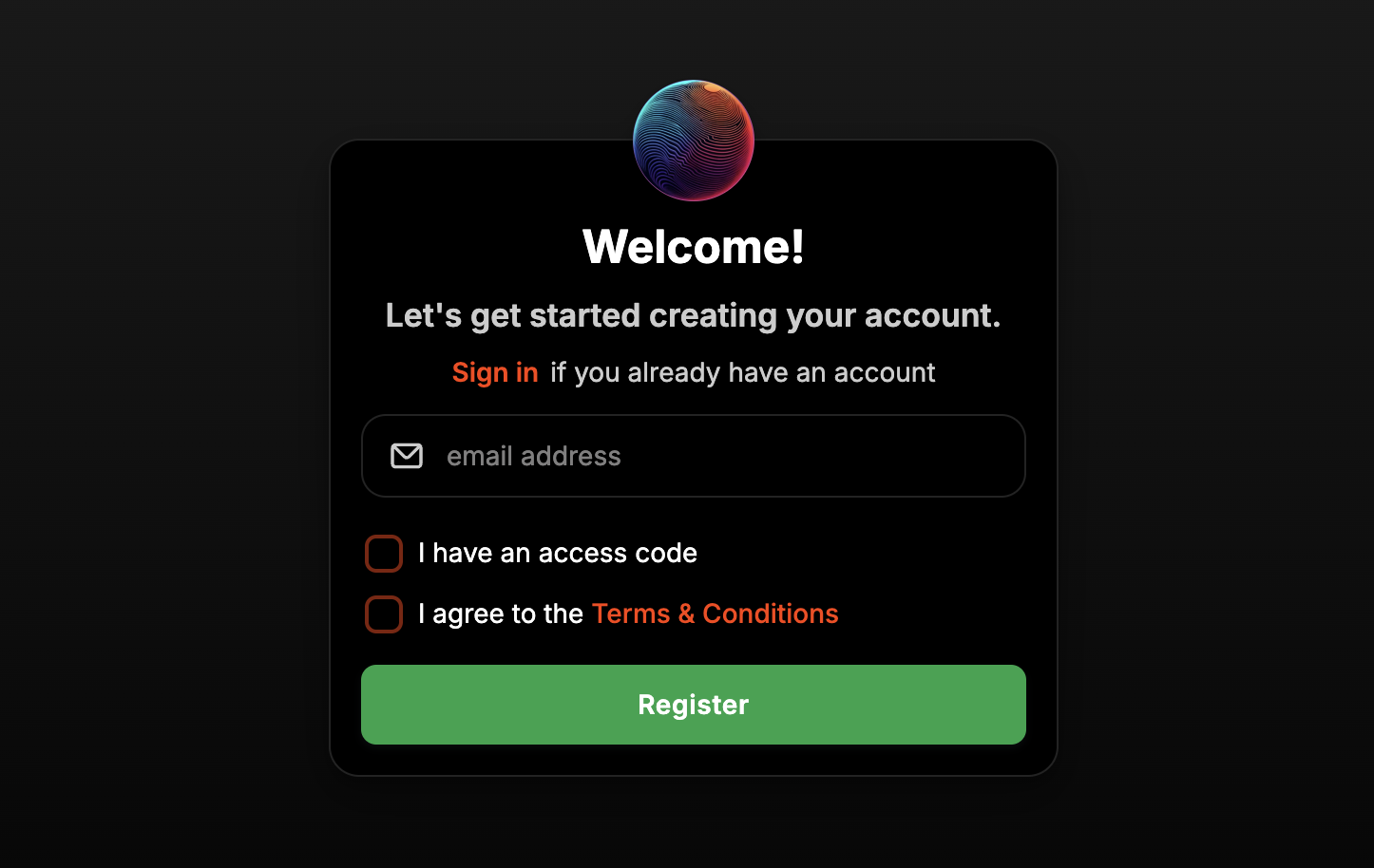
Go to [datalab.portexai.com](https://datalab.portexai.com) and click Register. Enter your email address, check the Terms & Conditions box, and submit.
## Complete Your Profile
Fill in your username, name, and password. You can optionally add a profile picture and link your HuggingFace, GitHub, or X accounts.
### Seller access
If you plan to sell datasets or publish evals, select "Yes" when asked "Do you want to be able to sell datasets?" and provide a brief description of your data.
### RFP access
If you want to issue Requests for Proposals (to commission datasets from experts), select "Yes" when asked about RFP access.
## Connect Stripe (Optional)
To receive payouts via traditional payment rails, go to Account Settings and click "Connect with Stripe." This takes 2-3 minutes and enables you to receive payments via ACH or credit card in addition to USDC.
## Next Steps
* Experts: continue to the [Quickstart](/portex-docs/getting-started/quickstart.md) or jump to [Creating an Eval](/portex-docs/for-experts/creating-an-eval.md)
* Model builders: see [Browsing Evals](/portex-docs/for-model-builders/browsing-evals.md)