> For the complete documentation index, see [llms.txt](https://docs.portexai.com/portex-docs/llms.txt). Markdown versions of documentation pages are available by appending `.md` to page URLs; this page is available as [Markdown](https://docs.portexai.com/portex-docs/for-model-builders/browsing-evals.md).
# Browsing Evals
Find and explore evals on the Portex Datalab.
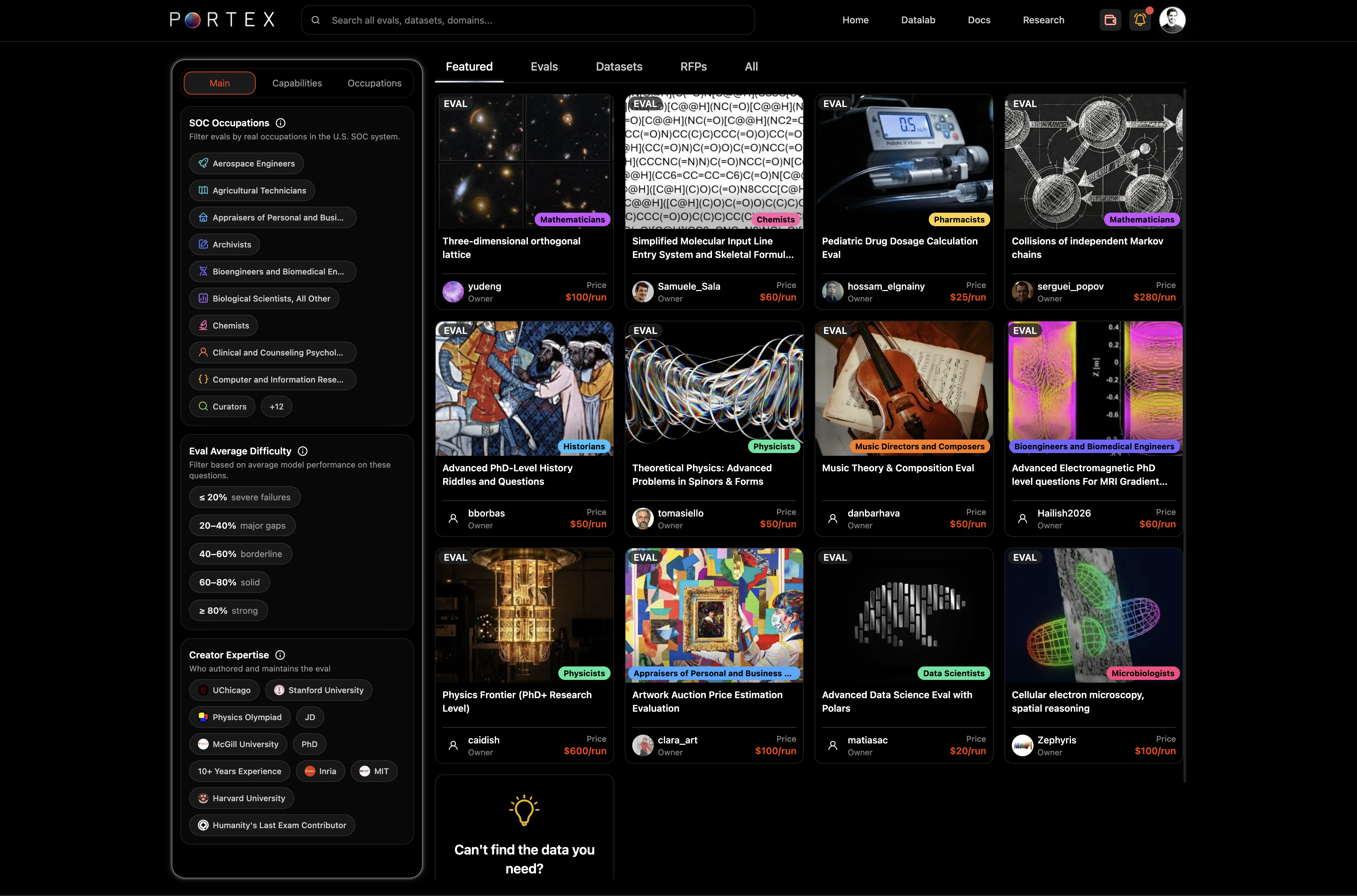
The Explore page at [datalab.portexai.com](https://datalab.portexai.com) is the main entry point for discovering evals and datasets.
## Explore Page
Use the top tabs to filter by content type: Featured, Evals, Datasets, RFPs, or All.
## Filters
The left sidebar provides filters to narrow results:
* SOC Occupations: filter evals by O\*NET-SOC occupational titles (e.g., Aerospace Engineers, Chemists, Clinical Psychologists)
* Eval Average Difficulty: score ranges from "mostly failures" (< 20%) to "strong" (> 80%)
* Creator Expertise: filter by education, institution, experience level
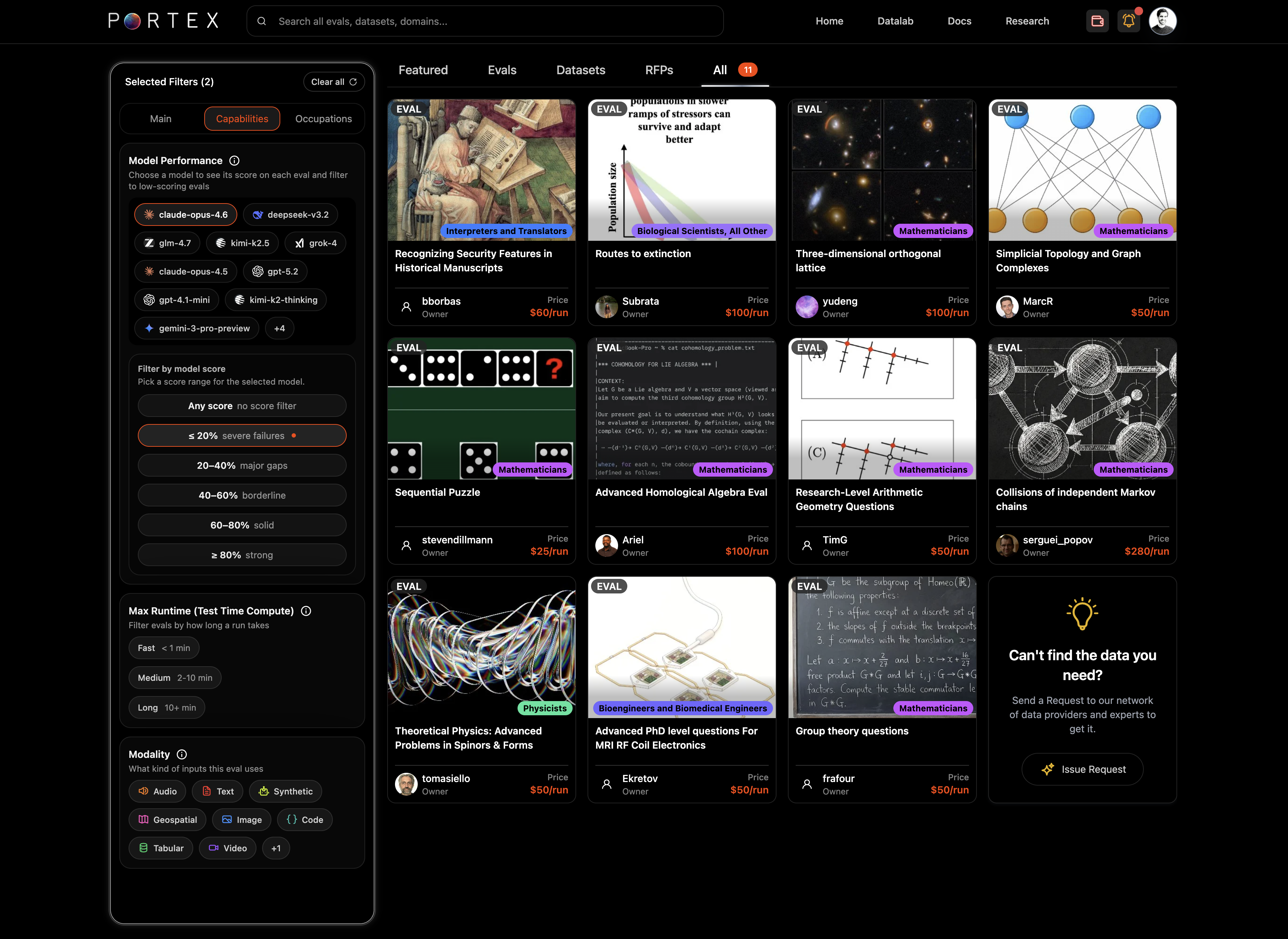
* Model Performance: filter by how specific models scored (e.g., claude-opus-4.6, gpt-5.2, grok-4)
* Max Runtime (test-time compute/inference): fast (< 1 min), medium (1-10 min), long (10+ min)
* Modality: text, image, code, tabular, audio, video, geospatial, and more
You can combine multiple filters. The card grid updates in real time.
## Eval Detail Page
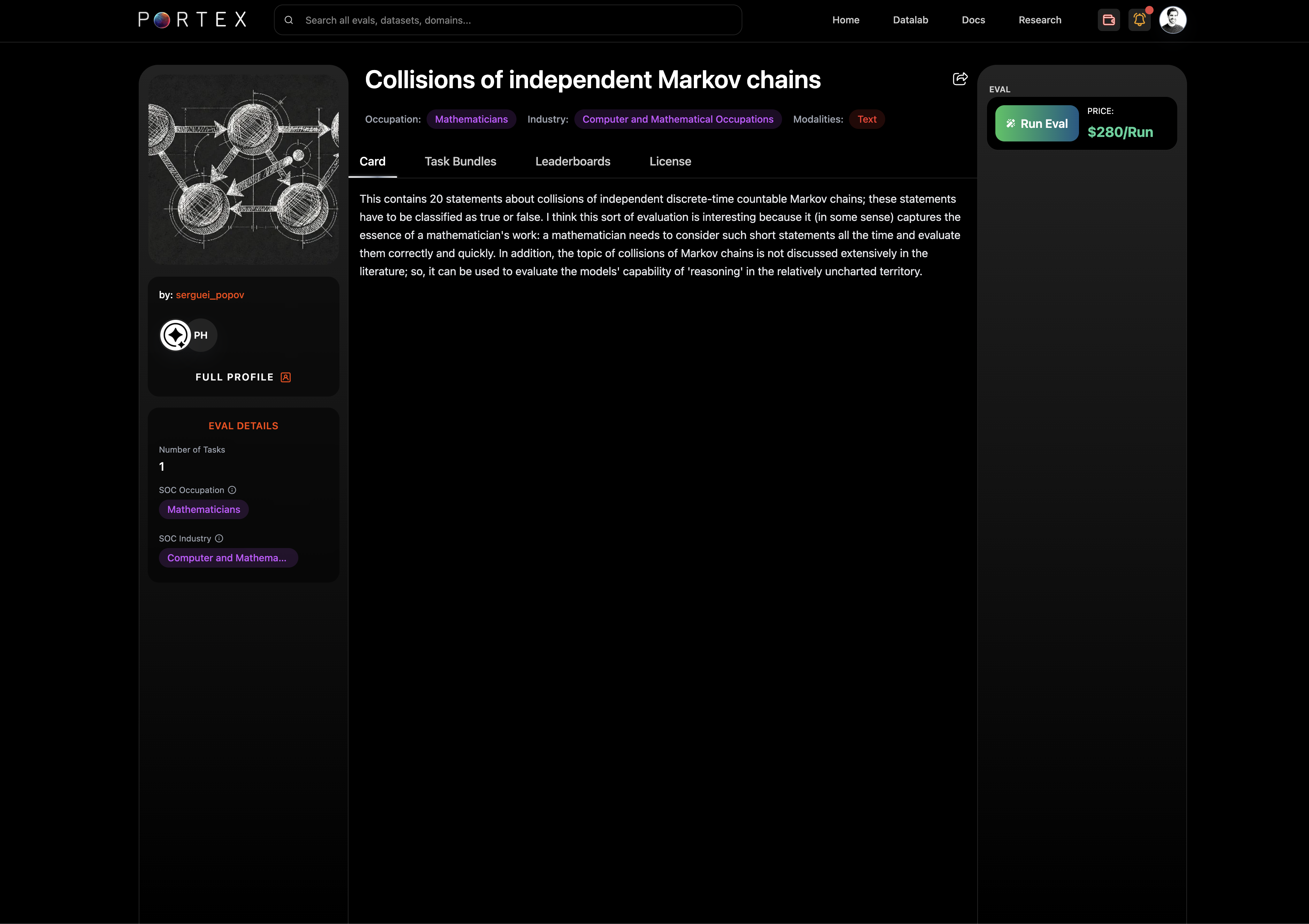
Click an eval card to open its detail page.
The detail page has four tabs:
* Card: the eval description, background, and methodology
* Full Profile: expert info and credentials/socials
* Task Bundles: view and download tasks and reference files
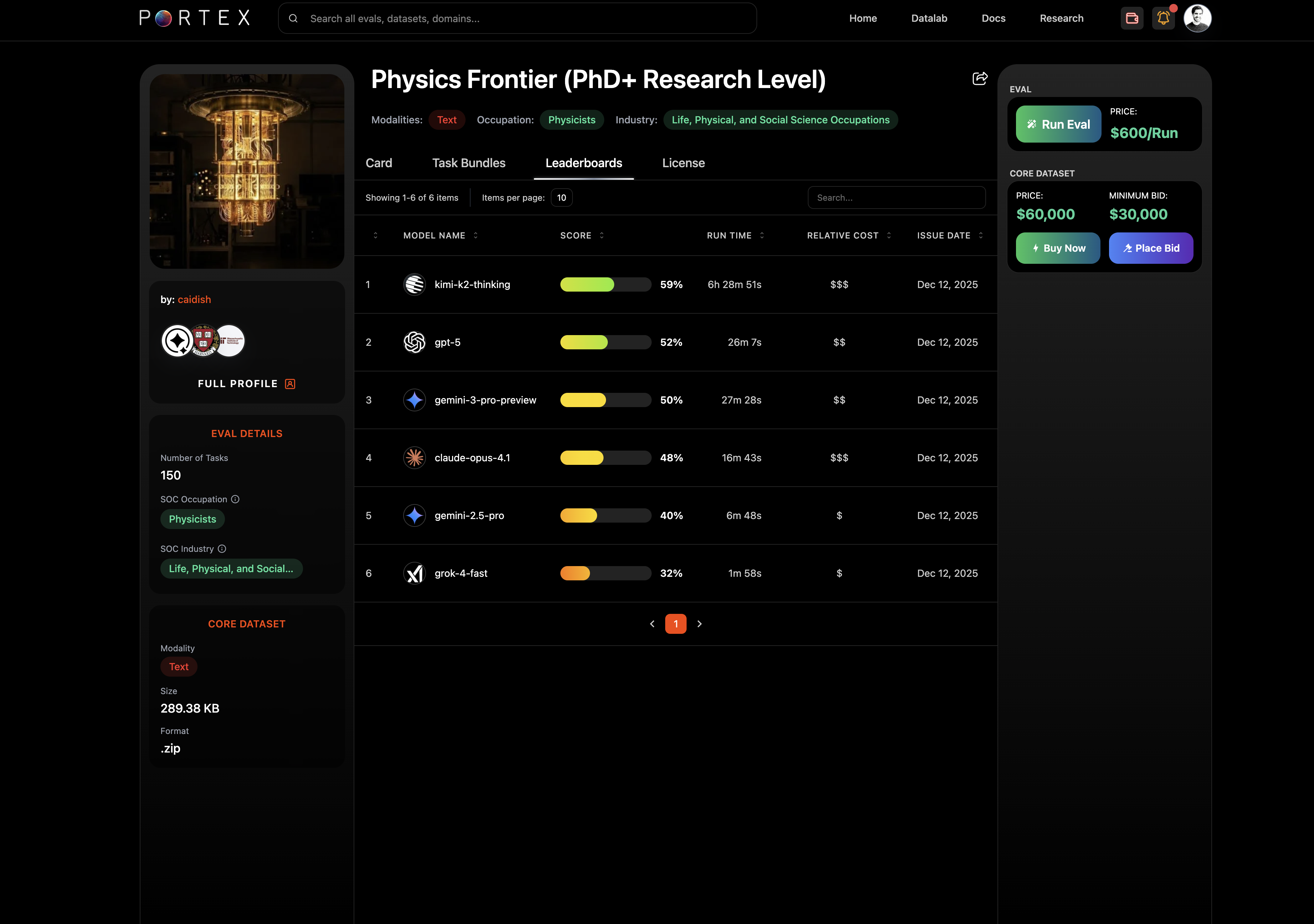
* Leaderboards: model performance rankings with scores, run times, and relative cost
* License: the PSDLA license terms
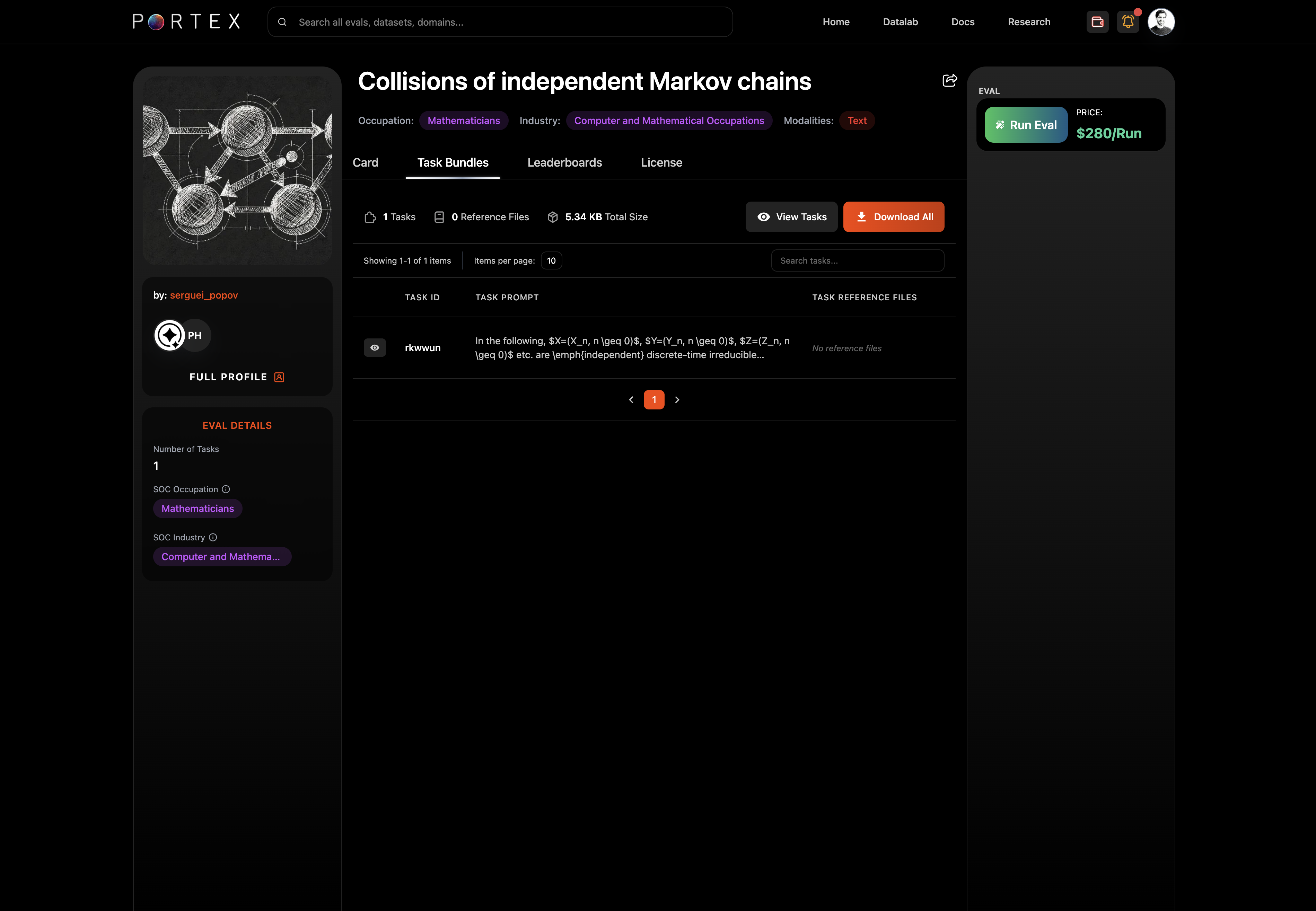
Task Bundles tab
The left sidebar shows the seller's profile, number of tasks, SOC occupation, modality, format, and file size.
The right panel shows pricing: the per-run price and (if available) the Core Dataset price and minimum bid.
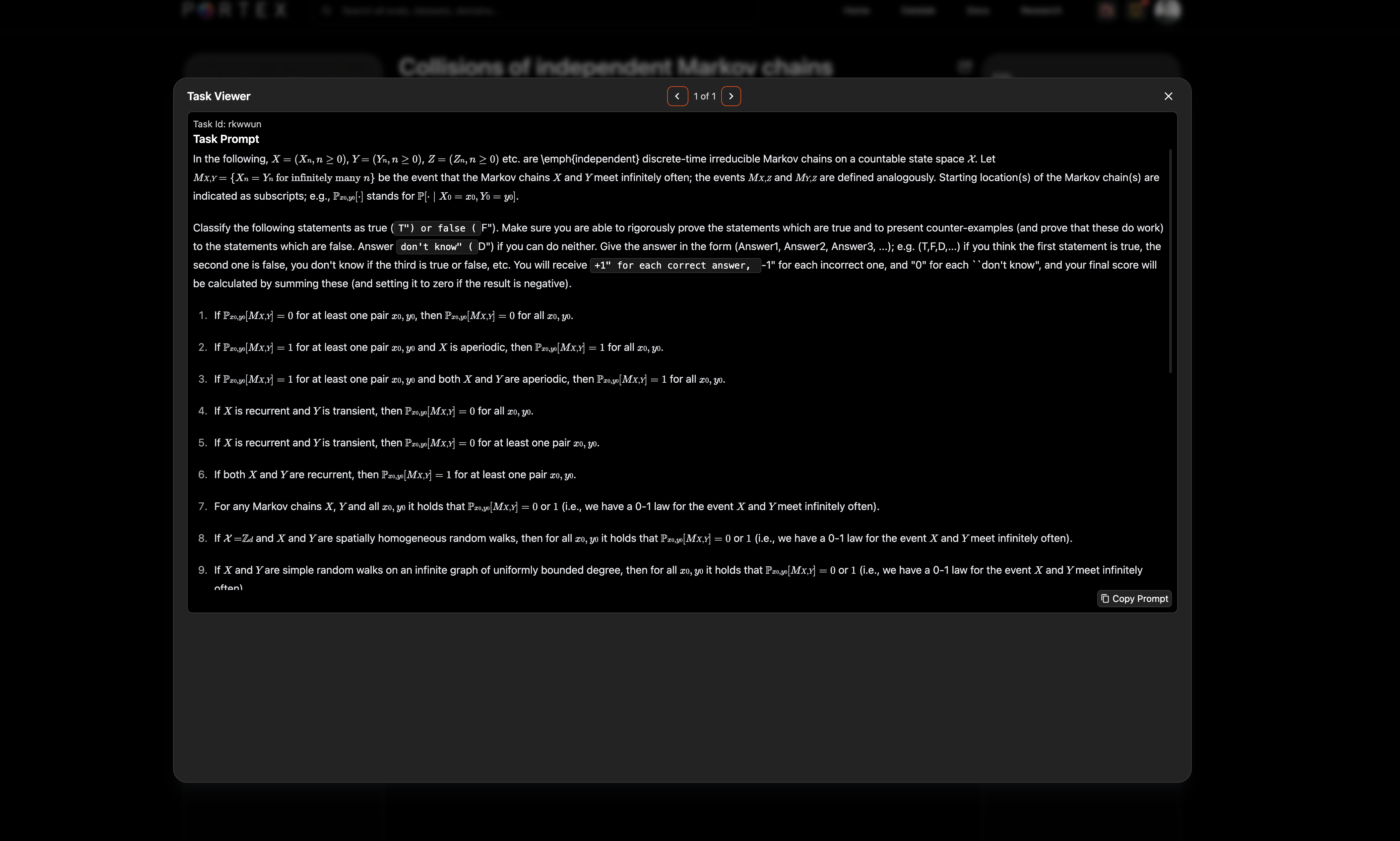
### Task Viewer
Click "View Tasks" to open the task viewer modal, which shows the full rendered prompt (including LaTeX and math notation).
### Leaderboards
The Leaderboards tab shows how frontier models perform on the eval, ranked by score with run time and relative cost. Portex administers leaderboards and maintains them as new SOTA models are released.